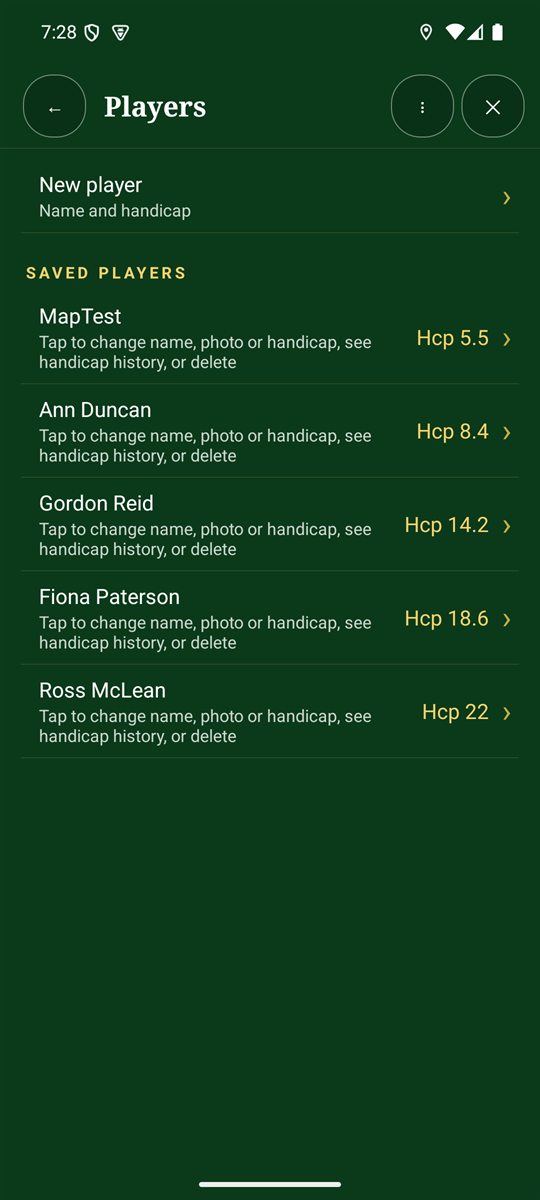
- On the Scorecard+ menu, tap Players.
- Tap New player. Enter a name and handicap index (0–54, or leave it blank for none).
- Optionally take or choose a photo.
- Tap a saved player to change their name, photo or handicap, see their handicap history, or delete them.
Guests
When you add someone during New round, untick Remember this player for next time for a one-off guest.
Deleting a player
Deleting a player removes them from your list. Their past rounds are kept in Round history.
Keep handicaps current: the handicap is used for net scores and Stableford in new rounds. After three complete 18-hole rounds, Analysis can suggest an estimated handicap index.